
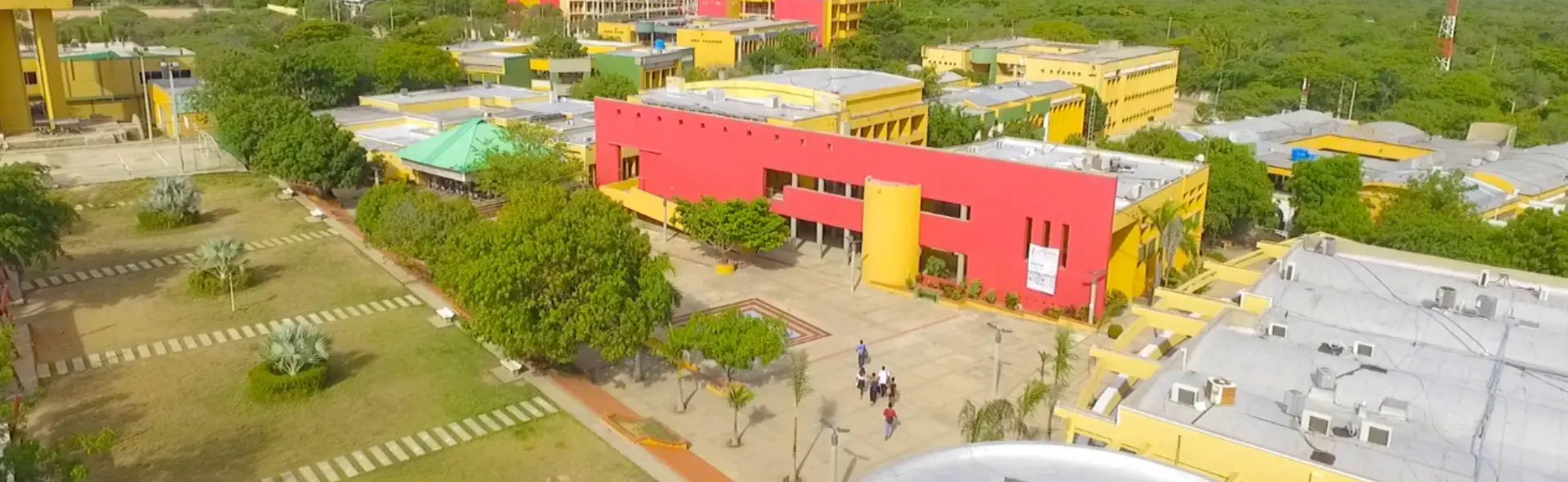
In this section, you will find answers to the most common questions that students often have regarding academic and administrative processes at the University of La Guajira. Our goal is to provide you with clear and accurate information so that you can easily navigate through the procedures related to enrollment, matriculation, obtaining degrees and other fundamental aspects of your academic experience.
We are always ready to help you at every step of your educational journey, and these frequently asked questions are designed to provide you with helpful guidance. If you have any additional questions or need personalized assistance, please don't hesitate to contact us. Your academic success is our priority, and we are here to support you on your path to educational excellence.
It is very easy, just go to the >>My Campus<< link on the home page staging6.uniguajira.edu.co, then click on Convocatorias - Select the modality (Undergraduate / Graduate) - then select the program you want to study - Fill out the online form - Cancel the registration fee and that's it. In the following >>link<< you will find video guides on the process.
Yes, you can fill out the registration form and enter the SNP code assigned to you in the exam citation.
When you start your registration, the system automatically sends you a CODE AND PASSWORD to your registered e-mail address, so that in cases like this you can log in from >>My Campus<< and continue the process.
In the authorized banks visible on the payment invoice that you will download at the end of your online registration.
You should keep an eye on the website uniguajira.edu.co where interview dates will be posted.
You will not be able to participate in the admission process, since it consists of two parts: the interview and your ICFES score.
No, it is mandatory to have previously taken the state tests and to have the results of the same at the date of registration.
The SNP is the State Exam Registration Number, which refers to the number assigned by the Colombian Institute for the Evaluation of Education (ICFES) to those who take the State Exam. It can be found on the citation slips or results of the Saber 11° State Exam, at the school or directly at the ICFES.
You must complete the process again in the next enrollment period.
From your virtual campus in the menu Update - Student - Certificate Request select the type of certificate you need and then pay the value with the invoice generated in the authorized banks or directly at the Cashier of the institution - then wait a maximum of three (3) business days for delivery.
In the following link you will find a video tutorial called Matrícula Académica where the process is clearly explained: Click here to watch the video.
There are the following possible reasons why you have not been able to perform this process, among which could be:
- You do not yet have your financial tuition payment registered in the system.
- Verify in your campus from the menu Consult - Student - Resume - Financial - Canceled that your invoice is there.
- The assigned groups are full.
- Contact your program director.
You should contact your program director to solve the problem.
In this case, it is possible that a schedule crossover is occurring. Please check your settlement or contact your program director.
To obtain the results of your search, you must first select the type of assessor, then type the two (2) first names or the two (2) last names of the assessor.
In the following link you will find a video tutorial called Request for Qualifications where the process is clearly explained: Click here to watch the video.
For admissions less than or equal to the 2014-1 period, the calculation is arithmetic, i.e., the final grades for each subject are added together and the result is divided by the total number of grades.
For admissions higher or equal to the 2014-2 period, the calculation is made taking into account the academic credits, that is, the final grade of each subject is multiplied by its number of credits, then those results are added, then that result is divided by the total number of credits.
In the main menu of My Campus, through the option Processes/Academics/Inclusion and Cancellations in the Selection tab, choose the subject you wish to include, then select the group and click on request. Note: In addition to performing the above procedure, you must wait for your program director to approve your request.
In the main menu of My Campus, under the option Processes/Academics/Inclusion and Cancellations you will see the courses you are currently enrolled in, click on the X corresponding to the course to be cancelled. Note: In addition to the above procedure, you must wait for your program director to approve your request.
In the main menu of My Campus, through the option Update/Student/Extracurricular Enrollment - English, select the subject, then the group and click on view schedule. In case you do not have a cross schedule, click on the Selection tab and enroll your subject.
In the main menu of My Campus, through the option Processes/Academics/Inclusion and Cancellations in the Selection tab, choose the subject you want to enroll by equivalence, then select the group and click on Request.
Note: In addition to the above procedure, you must wait for your program director to approve your application.
You must go to the Admissions, Registration and Academic Control office with a report of loss or theft of the same.
You must go to the Admissions, Registration and Academic Control office with your original identity card to update your ID.
Enviar un correo a la Office of Registration and Academic Control of the University of the Guajira (registro@uniguajira.edu.co).
